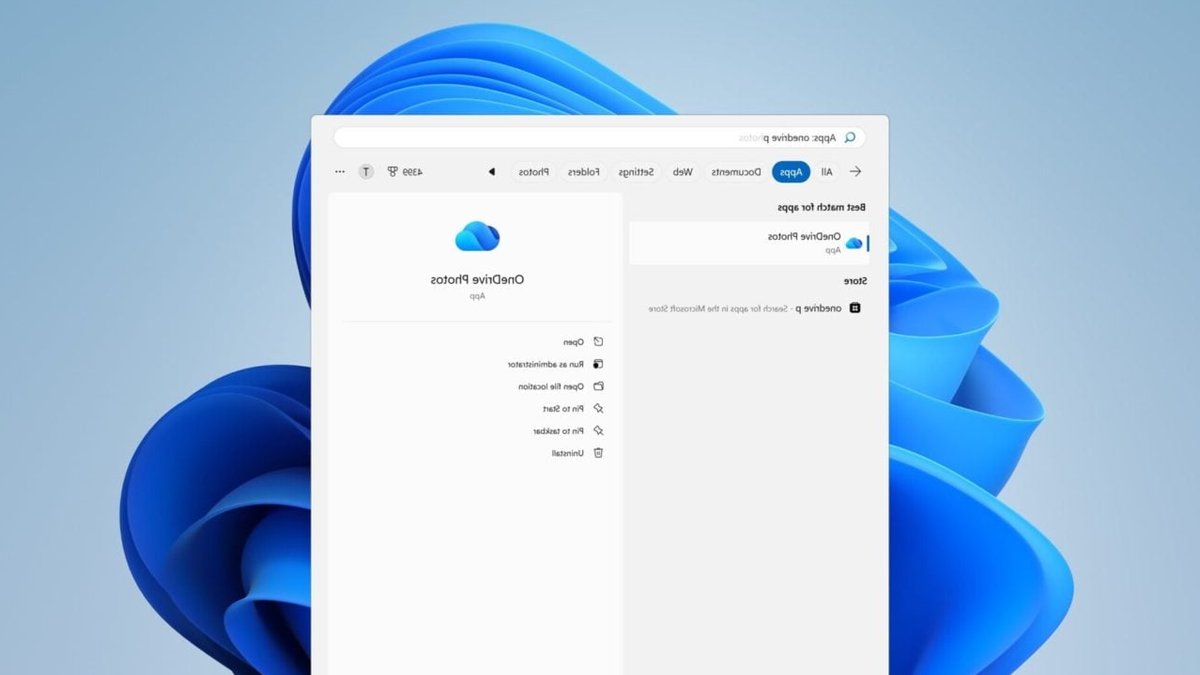
Microsoft is facing criticism from the Windows community after it quietly deployed a new OneDrive Photos app to Windows 11 PCs without user consent. The app was bundled into routine background OneDrive desktop updates, rather than being offered as an optional download through the Microsoft Store.
The OneDrive Photos app, currently tagged as a “Beta,” brings cloud and mobile photo-management experience directly onto the Windows desktop. It creates a unified gallery view that combines local PC images with media backed up to cloud storage.
The app includes features like throwback “Memories” and an AI-powered “People” tab that groups photos based on facial recognition. However, the rollout has drawn criticism from both home users and system administrators, who have discovered the app on their Start Menu unexpectedly.
The introduction of AI facial scanning has sparked immediate privacy concerns over whether Microsoft uses personal photos to train artificial intelligence models. Microsoft has addressed these concerns by outlining several privacy policies, including that the “People” facial grouping feature is disabled by default and requires an explicit user opt-in.
Related: Bose unveils upgraded QuietComfort headphones
Facial scanning only works on images that are saved in cloud-synced OneDrive folders, and local PC files are not analyzed. Microsoft also stated that photo data and facial scans are not used to train its public AI models.
The rollout turned particularly messy when the app accidentally began appearing on enterprise devices managed via Microsoft Intune. OneDrive Photos only functions with personal Microsoft accounts, so IT administrators were left confused by its appearance on corporate networks.
Microsoft initially maintained radio silence, but it has since indicated that the enterprise deployment was an unintentional mistake. They have also outlined a policy for data deletion, stating that when a user turns off the feature, Microsoft will delete the biometric records associated with them within 30 days.
Despite these assurances, user frustration remains high due to a total lack of installation control. Because OneDrive Photos is tied directly to the core OneDrive sync client, users cannot uninstall it as a standalone app.
Related: Why Reviewing Employment Contracts and Protecting Your Workplace Reputation Matters in Ontario
To remove OneDrive Photos, users currently must uninstall the entire OneDrive sync client—a frustrating trade-off for anyone relying on OneDrive for basic document backups. Microsoft has indicated that a future update will eventually allow users to remove the app independently.
Meanwhile, those users who have already received the app can only ignore it while the fix arrives.
Users are waiting for a solution.





Leave a Reply