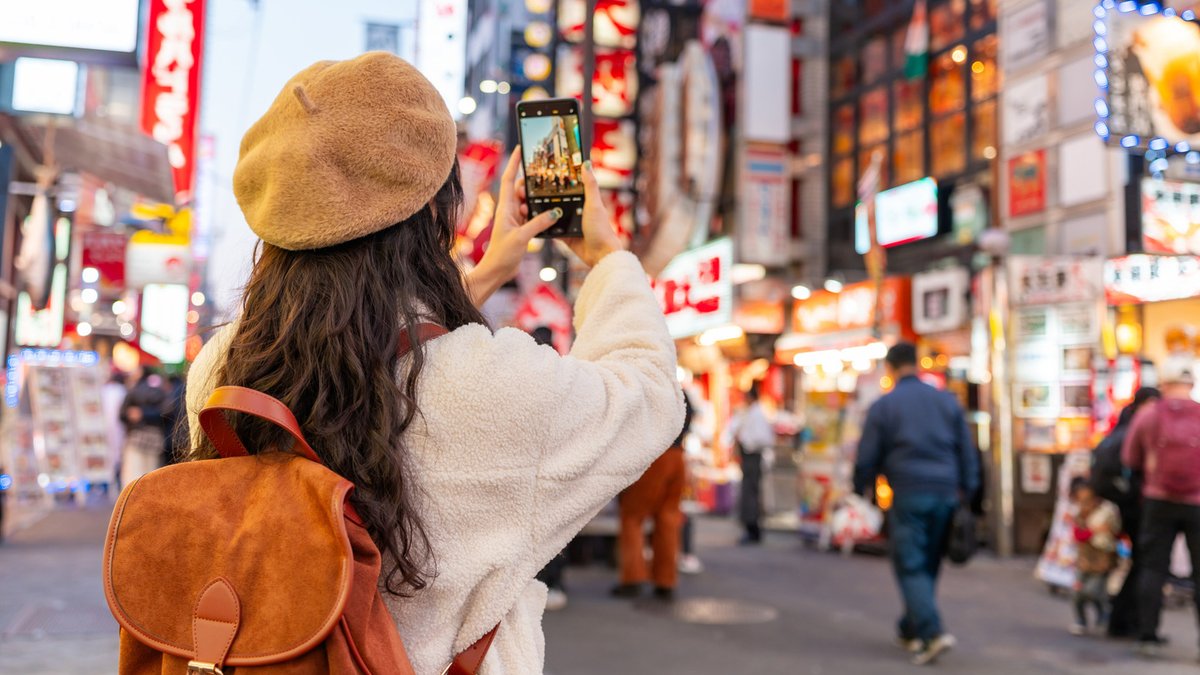
Most messaging apps reduce photo quality before sending, turning sharp vacation shots or family portraits into blurry versions. Several methods transfer images without compression—some take seconds, others need minor setup, but all keep the original resolution.
Cloud storage keeps photos intact
Google Photos and Apple’s Photos app back up images to the cloud at full resolution. Shared albums let groups add their own photos, making it simple to collect everyone’s shots from a trip or event. Google Drive, OneDrive, and Dropbox also work if the account has enough space.
Related: Xbox may offer standalone game streaming
These services don’t alter files, so the uploaded version matches the downloaded one. The drawback is speed—large batches may take time to sync, especially on slower connections.
Email attachments avoid compression
Email remains one of the few methods that doesn’t automatically shrink image files. Gmail allows attachments up to 25MB, and anything under that limit arrives unchanged. For larger batches, Gmail converts files into Google Drive links, while Apple’s Mail Drop uses iCloud to handle transfers up to 5GB.
The method suits smaller sets of photos. Sending hundreds of high-resolution images this way can be awkward, but it’s dependable for transfers where quality matters most.
Related: Greylock caps fund at $1.5B despite ability to raise more
External drives offer offline control
A USB flash drive or external hard drive moves photos between devices without an internet connection. Plug it in, copy the files, and remove it—no compression, no upload limits. Flash drives are inexpensive and portable, while external SSDs provide faster speeds at a higher price.
For photographers, this also serves as an offline backup. The risk is physical damage—drives can fail, get lost, or become incompatible as ports evolve.
Related: IBM mainframe sales defy AI trends
Messaging apps can send photos as files
WhatsApp, Telegram, and similar apps compress photos by default, but most include a “document” or “file” option to bypass this. Instead of selecting photos from the app’s gallery, users can attach them as files to maintain original quality.
Larger file sizes are the trade-off, which may use more data or take longer to download. It’s a small compromise for keeping images clear, though not the fastest way to share quickly.



Leave a Reply